
 工具
工具

 Word ONLINE
 Sheet ONLINE
 Presentation ONLINE
pdf-editor
在線 PDF 編輯器和 PDF 轉換工具
添加文本、圖像、形狀或手繪註釋到 PDF 文件。自定義字體、顏色、大小和高亮顯示。刪除或修改現有文本、重新排列、旋轉或刪除頁面等。
本功能支持系統版本為15.7.2及以上,如若不是請前往設置升級系統。

 Google Drive
 Dropbox
不要關閉瀏覽器 等到您的文件上傳和處理完畢!這可能需要幾分鐘時間。 :)
Open Source Statement
Open Source Statement
Our editor is built on ONLYOFFICE Docs Community, and we would like to express our gratitude to ONLYOFFICE for its excellent contribution.
The modifications we have made to the editor have been open-sourced in accordance with the ONLYOFFICE Docs Community License. We welcome everyone to use it.
The code repositories for our modifications are as follows:
For more information on ONLYOFFICE Docs Community, please refer to the official repository:













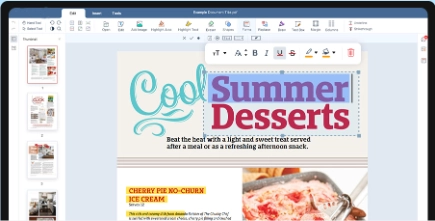
通用在線 PDF 編輯
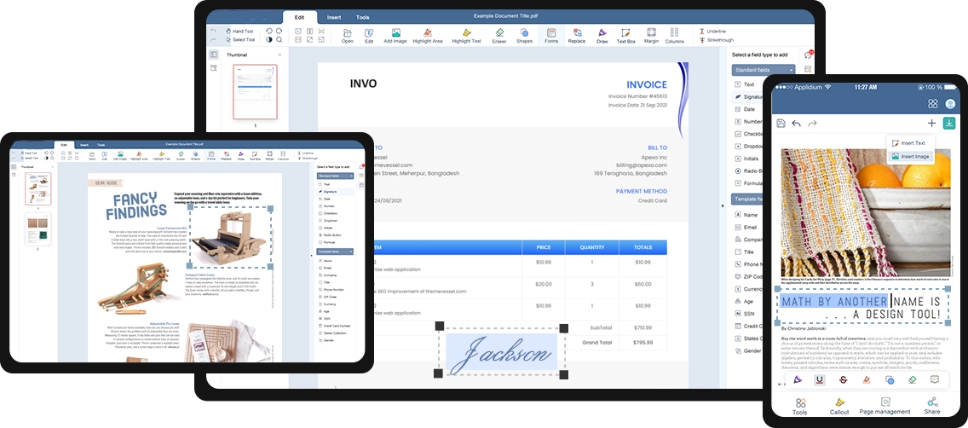
支持所有設備
在 Windows、Mac、iOS 和 Android 等所有主要平台上提升您的文件生產力
如何編輯 PDF 文件?
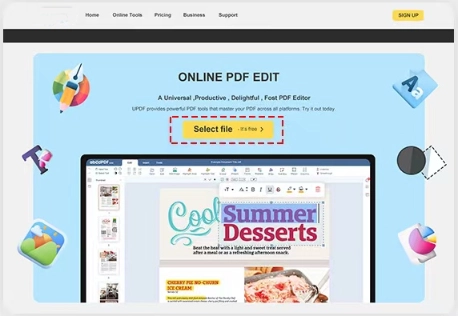
1. 選擇您的 PDF 文件
點擊“上傳文件”按鈕將您的 PDF 文件上傳到我們的編輯器中,並輕鬆進行編輯。
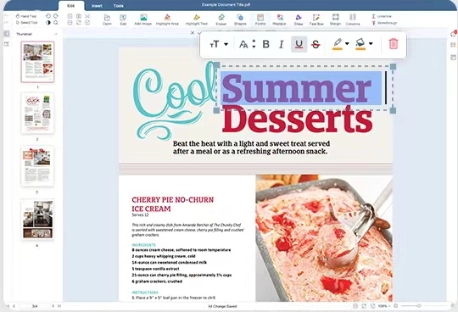
2. 在線編輯 PDF
進入編輯界面後,您會發現頂部有我們全面的工具集。我們提供文本編輯、插入和刪除、添加圖像、文本高亮顯示、橡皮擦工具、表單字段、筆工具、簽名功能等。此外,您還可以添加或刪除頁面,應用水印、印章、藝術字體以及其他各種功能,以滿足您的編輯需求。
3. 完成並下載
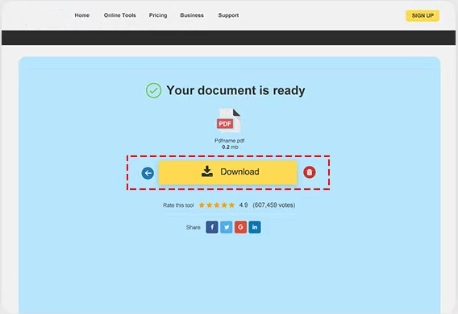
編輯文本後,點擊屏幕右側的“完成”按鈕保存您對 PDF 文件所做的更改。
 下一步
下一步

